Lost Card Help
Lost NOL Card in Dubai: How to Report, Block, Refund and Replace It
Report the card, block it, recover the balance and get a replacement. The steps depend on whether your card is Personal, Registered or Anonymous.
Losing a NOL card is frustrating, especially if it still has money on it. Don’t panic: the first thing to do is report the lost card and take steps to block it. Acting quickly helps protect your remaining balance and prevents further use.
Report your lost NOL card as soon as possible (call 800-90-90, use the RTA website or nol Pay) and follow RTA’s process to block it. Refund and replacement options differ for Personal, Registered and Anonymous cards.
What happens next depends on whether your card was registered, personalised or anonymous, since that affects how you recover the balance and whether you can get a replacement.
How to Report a Lost NOL Card
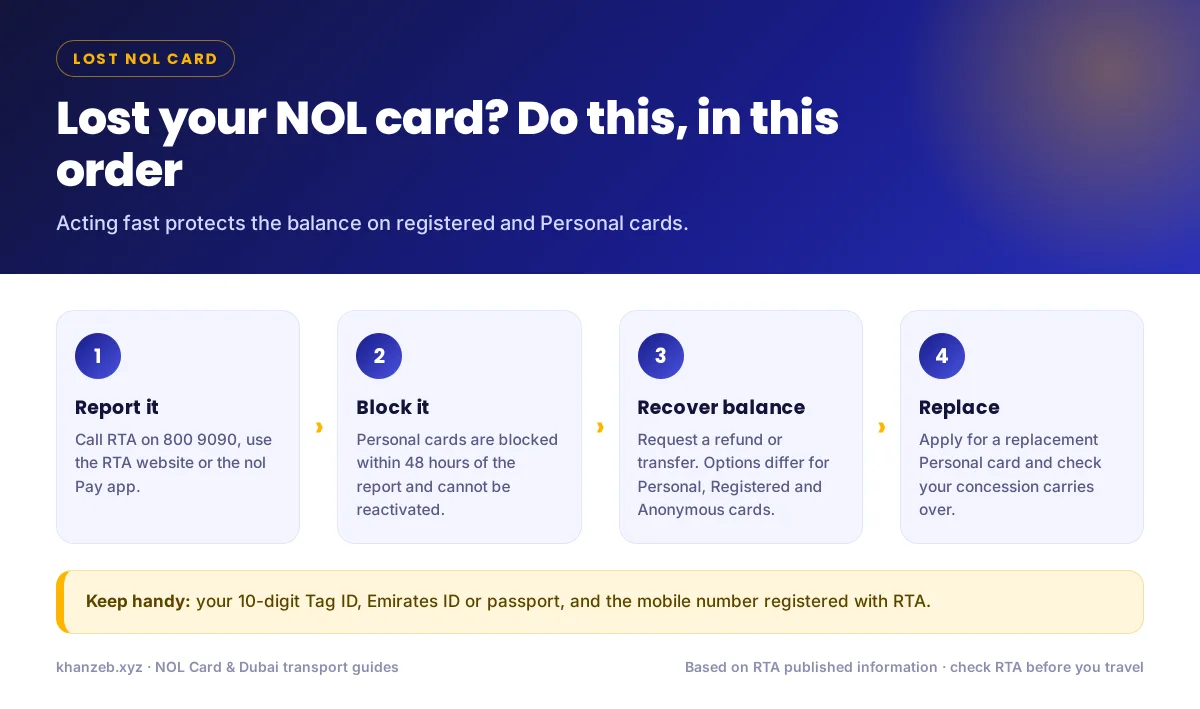
You can report a lost card through any of RTA’s channels. Choose the one that’s easiest for you.
Option 1: Report by Phone
- Call RTA on 800-90-90.
- Tell RTA your card is lost and that you need to report it.
- Give your details: your NOL card number, Tag ID or other information the agent asks for.
- Ask RTA to block the card to prevent further use.
- Ask about next steps for a refund or replacement.
Option 2: Report Online
- Open RTA’s online NOL card services.
- Sign in to your RTA account if required.
- Choose the relevant refund, replacement or lost-card option.
- Enter your NOL card number or Tag ID.
- Select “Lost” or “Stolen”.
- Submit the request and follow the instructions to block the card.
Option 3: Use the nol Pay App
- Open nol Pay and sign in.
- Select the lost card from your linked cards.
- Choose the replacement or refund option.
- Select “Lost”.
- Submit the request.
Don’t know the card number?
Check your RTA account, or ask RTA how to identify the card using your account details.
How to Block a Lost NOL Card
For Personal NOL cards, RTA advises reporting a lost or stolen card immediately. RTA states the card is blocked within 48 hours of the report and cannot be reactivated afterwards.
| Action | What It Does |
|---|---|
| Report lost card | Starts the lost-card process |
| Block card | Prevents further use |
| Check card status | Helps determine refund or replacement options |
How to Check Your NOL Card Balance Online
- Open the RTA website and find the Check NOL Balance service.
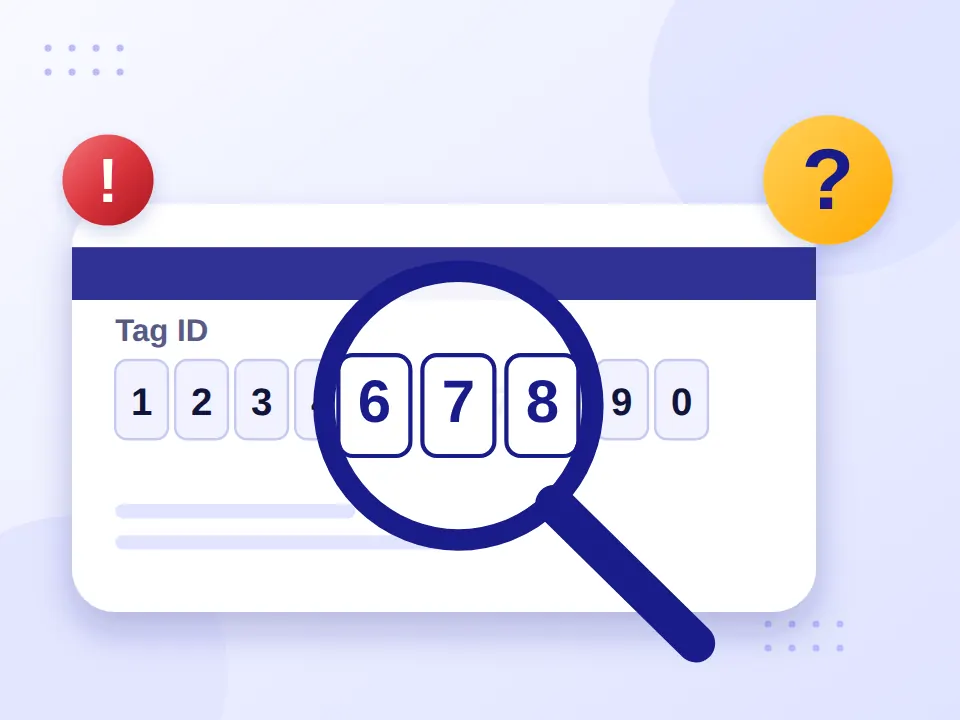
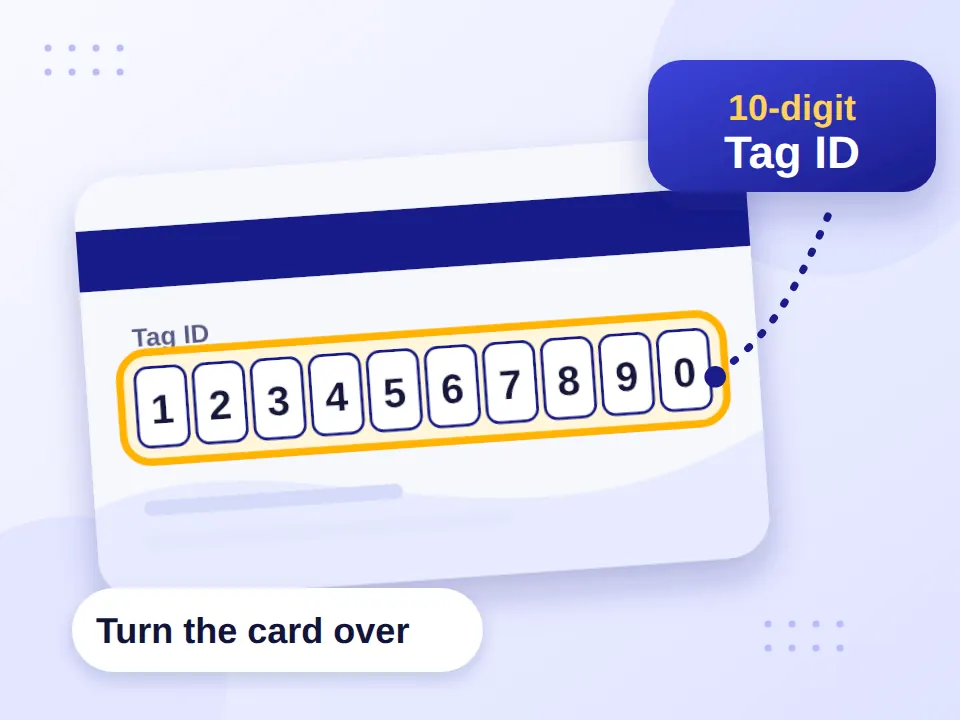
- Enter your 10-digit NOL Tag ID, usually on the back of the card.
- Click Search to see your balance and card details.
- With the physical card, you can also scan it in nol Pay using your phone’s NFC.
- Registered or Personal cards linked to your account can be checked through RTA’s digital services.
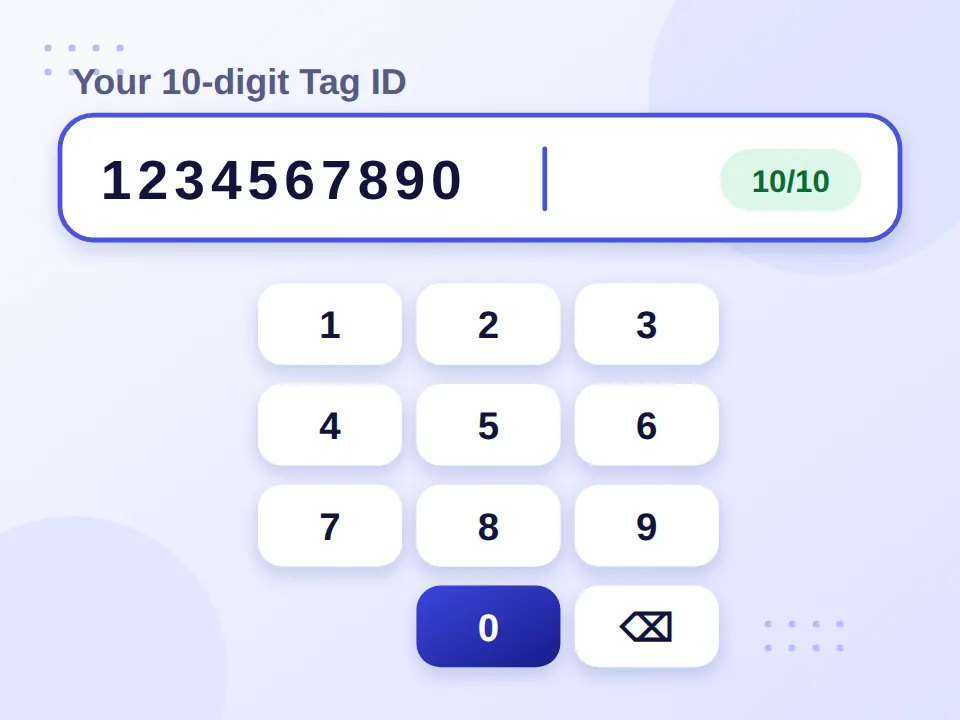
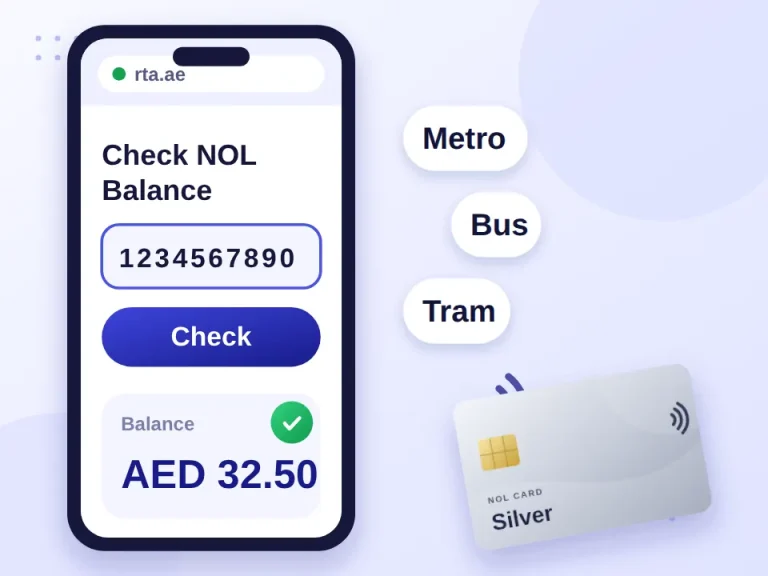
You can also use our NOL card balance checker with the Tag ID. Checking the balance is separate from requesting a refund for a lost card.
Can You Recover the Balance on a Lost Card?
Losing the physical card doesn’t necessarily mean losing its balance. RTA provides a refund service for balances on lost, stolen, damaged, faulty or expired cards, with options for Personal, Registered and Anonymous NOL cards.
Registered or Personal card
RTA can link it to your account, so you may be able to request a refund or transfer the balance to another NOL card.
Anonymous or unregistered card
Not linked to an account in the same way, but the balance isn’t necessarily lost. RTA lists a separate Anonymous NOL Card Balance refund option.
| Card Status | RTA Refund Option |
|---|---|
| Personal NOL card | Personal NOL Card Balance |
| Registered NOL card | Registered NOL Card Balance |
| Anonymous NOL card | Anonymous NOL Card Balance |
Fees, timings and step-by-step instructions are in our NOL card refund guide.
How to Replace a Lost NOL Card
Replacing your card is different from reporting it lost or requesting a refund. If you have a Personal NOL card, RTA offers a replacement service, and your new card may keep the same features and valid discounts, depending on RTA’s rules.
- Confirm your card type and account status.
- Follow RTA’s replacement process.
- Submit the required details.
- Check your replacement status.
Buying a new card isn’t a replacement
Don’t assume that buying another NOL card automatically replaces the lost one or transfers its balance. Follow the applicable RTA process.
If your card is expiring rather than lost, you need a renewal instead; see our NOL card renewal guide.
Lost NOL Card by Card Type
The key factor isn’t just the colour, but whether the card is registered or personalised. A Blue Personal NOL card is issued in your name and linked to your Emirates ID, while Silver and Gold cards can also be registered. Not sure which you had? See our NOL card types guide.
Lost Student NOL Card
A student NOL card is linked to student concession eligibility. Report it and follow the Personal NOL card replacement process, then check that your concession remains valid on the replacement. More on this in our student NOL card guide.
| NOL Card Type | What to Check After Losing It |
|---|---|
| Student | Registration and concession validity |
| Blue/Personal | Account and card status |
| Silver | Registration and balance |
| Gold | Registration and balance |
| Registered | Account/card association |
If you’ve lost a card with an unlimited travel pass, check its registration and card type before requesting a replacement or refund, as the process can depend on its status.
Final Thoughts
The moment you notice your NOL card is gone, report it by phone, online or in nol Pay and ask for it to be blocked. Personal and registered cards give you the best chance of getting the balance back or moving it to a replacement, and even anonymous cards have a refund route. If you top up large amounts, registering your next card is worth the few minutes it takes.
Frequently Asked Questions
What if I lost my NOL card number?
Check your RTA account or linked card records first. Registered or Personal cards may show these details online.
How do I get the Tag ID for a lost NOL card?
If the card is registered or linked to your RTA account, check your account for the Tag ID. If you can’t find it, contact RTA for help identifying the card.
Can I check the balance of a lost NOL card?
You may be able to check it online through your registered account or RTA services. A balance check is separate from requesting a refund.
Can I get a refund for a lost NOL card?
RTA provides balance-refund services for lost cards. The option and requirements depend on whether your card is Personal, Registered or Anonymous.
Can I use a virtual NOL card instead?
You can use a virtual NOL card through nol Pay on compatible devices. It doesn’t replace your lost physical card, but it’s a digital alternative.
Does a NOL card expire?
Validity depends on the card type. RTA currently lists a 5-year validity period for Personal, Silver and Gold NOL cards.
What should I do if my NOL card is not working?
If you still have the card but it doesn’t work, treat it as faulty or damaged. RTA has separate processes for these issues.
Can a NOL card be returned?
You can follow RTA’s cancellation or refund process to return a card. Returning a card is different from reporting it lost.
What if someone finds my lost NOL card?
They may hand it in to a lost-and-found, but report the card first, particularly if it has a balance.