Refund Guide
NOL Card Refund: How to Get Your Balance Back in Dubai
Who can claim, how to apply online, fees, how long it takes and how to check your refund status, including lost, expired and unregistered cards.
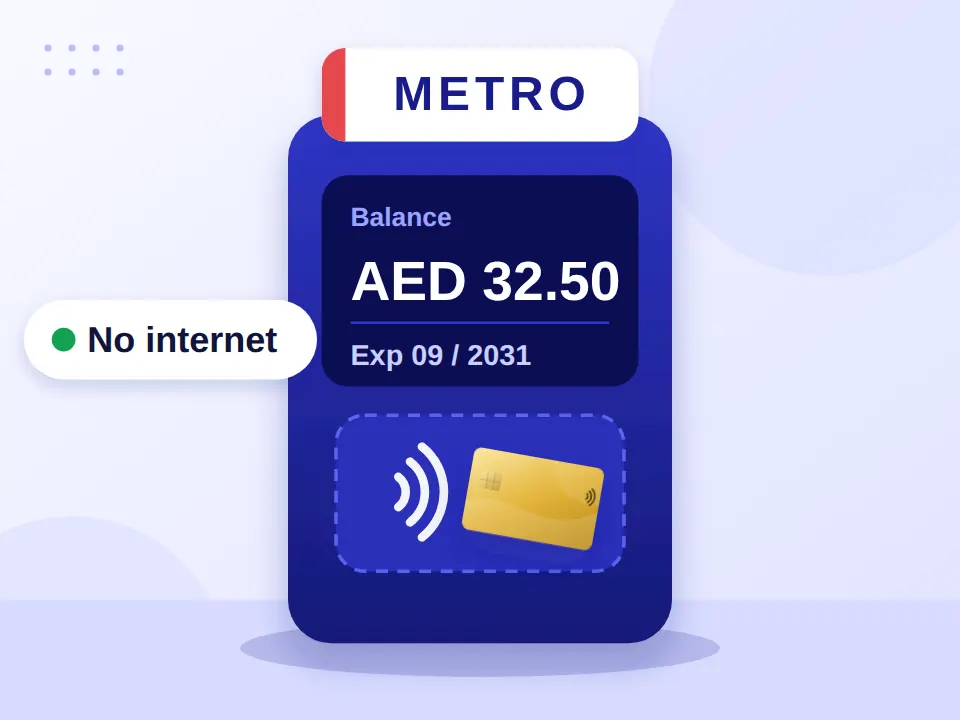
Still have money on your NOL card and wondering if you can get it back? You might be able to. If you’re leaving Dubai, replacing an old card, or simply don’t use public transport anymore, a NOL card refund can help you recover an eligible remaining balance.
A NOL card refund lets eligible cardholders recover their remaining balance. Personal and registered cards can apply online, while unregistered cards may need a Smart Kiosk. Refunds are generally processed within 4 working days.
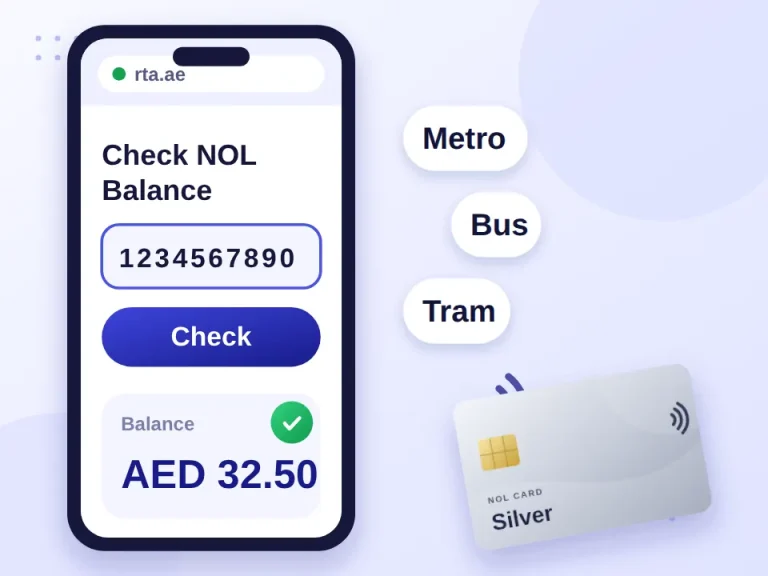
Things work a little differently if your card is lost, damaged, stolen, expired or unregistered. The process depends on your card type, registration status and remaining balance. Before you start, check your NOL card balance so you know how much to claim.
In this guide
- What Is a NOL Card Refund?
- Who Is Eligible for a Refund?
- How to Refund Your NOL Card Balance Online
- What You'll Need
- Lost, Damaged or Expired Cards
- How Much Can You Get Back?
- NOL Card Refund Fees
- How Long Does a Refund Take?
- How to Check Your Refund Status
- NOL Card Overcharge Refund
- Final Thoughts
- Frequently Asked Questions
What Is a NOL Card Refund?
A NOL card refund means getting back the remaining balance on an eligible NOL card. You may be able to request one if your card is lost, stolen, damaged, expired, or simply no longer needed.
Who Is Eligible for a Refund?
| NOL Card Type | Refund Eligibility |
|---|---|
| Personal (Blue) | Refundable; linked to your Emirates ID |
| Registered Silver/Gold | Refundable if registered in your name |
| Unregistered/Anonymous | Online refund isn’t available; a Smart Kiosk may be used depending on the card and requirements |
Unsure which type you have? Our NOL card types comparison explains the difference.
Can Tourists Get a Refund?
Tourists can apply for a refund on an eligible card, generally using a passport instead of an Emirates ID for verification. If you still have the physical card, keep it with you, as it may be needed for some refund methods.
How to Refund Your NOL Card Balance Online
Submit the request through nol Pay or the RTA website:
- Log in to nol Pay or the RTA website.
- Choose “Refund NOL Card Balance”.
- Select the card you want to refund from those linked to your account.
- Select your refund reason and follow the on-screen instructions.
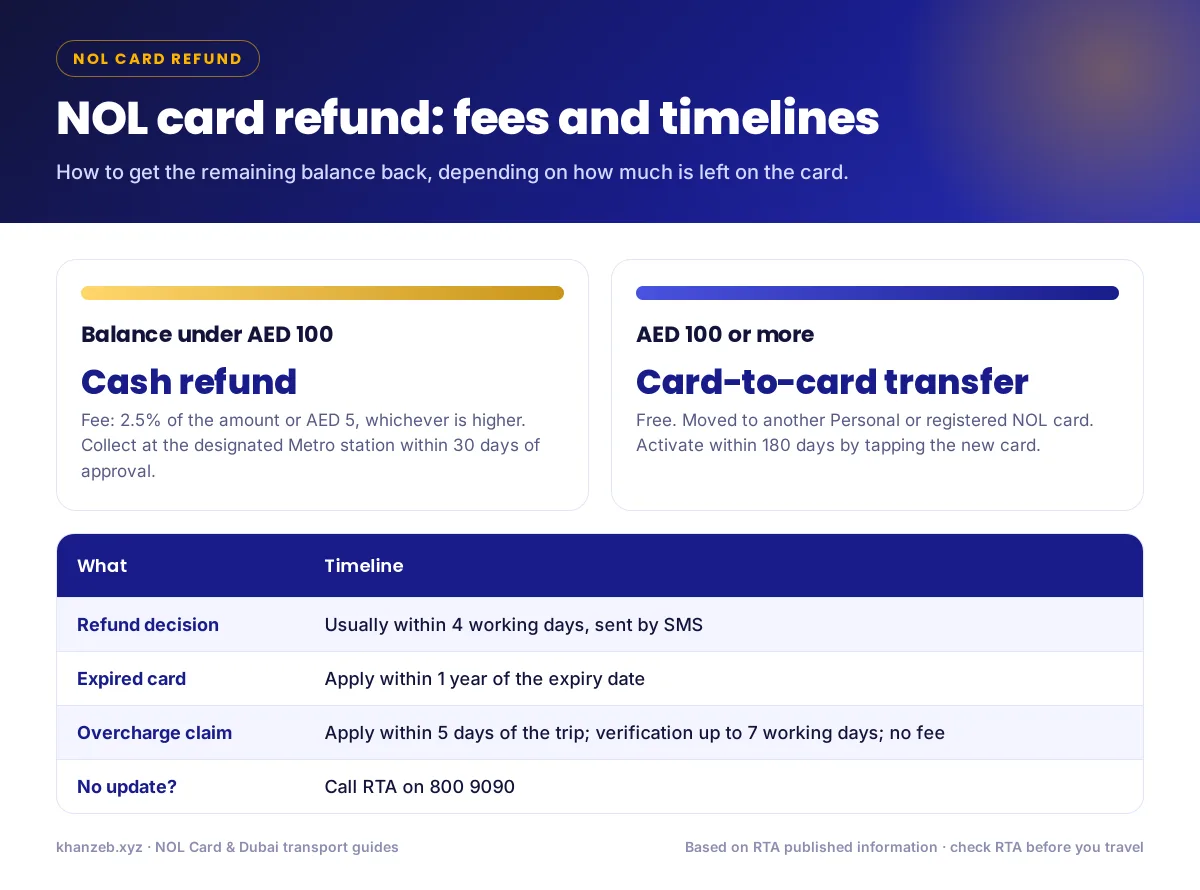
- Choose the refund method: under AED 100 you can collect the refund in cash; for AED 100 or more, the balance is transferred electronically to another eligible NOL card.
- Enter the receiving card details if you’re transferring the balance to an eligible personal or registered card.
- Submit the request and save your reference details to check the status later.
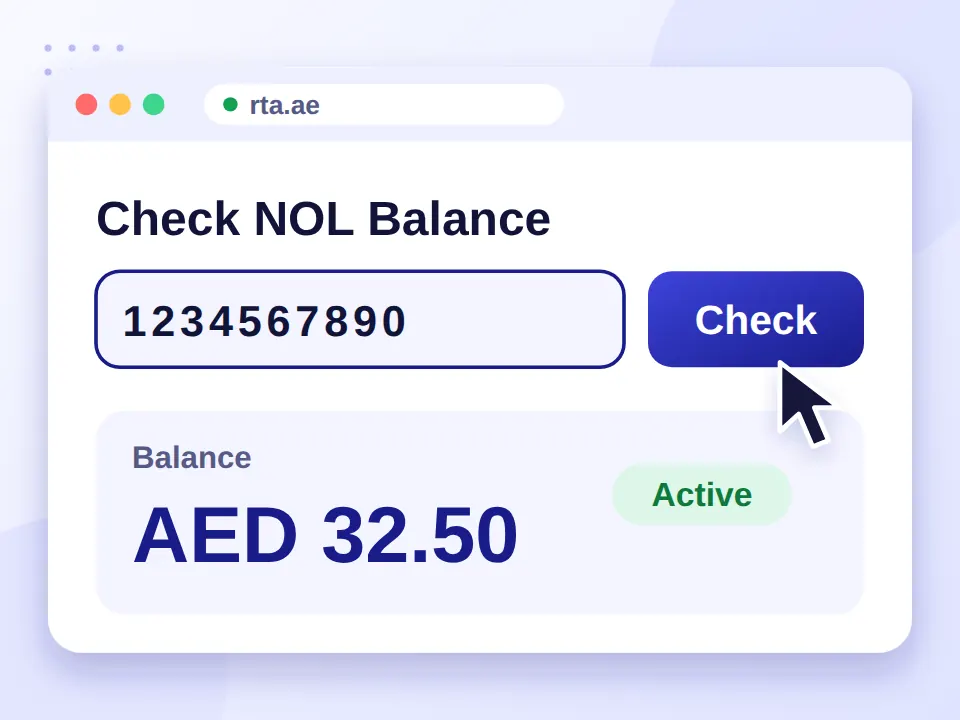
Other Ways to Request a Refund
- Smart Kiosk: available for certain eligible unregistered cards.
- Metro station: approved cash refunds under AED 100 are collected in person.
What You’ll Need
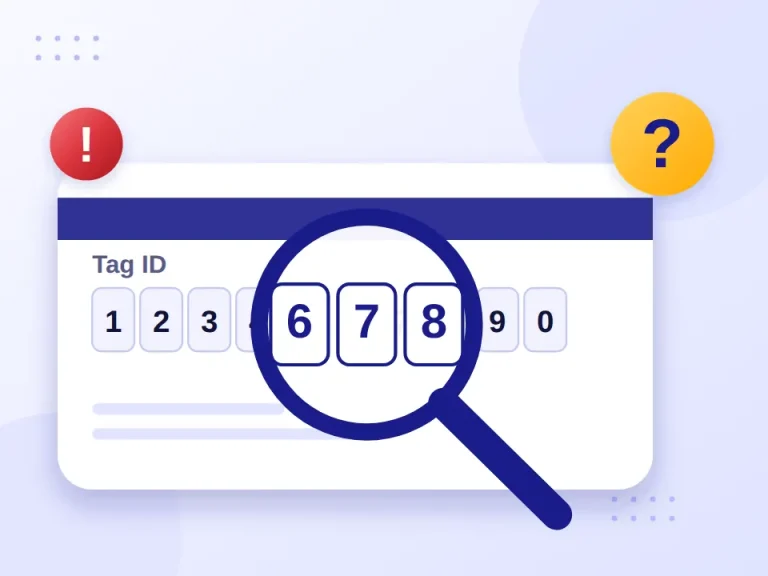
- NOL Tag ID: the 10-digit number on the back of your card
- Emirates ID or passport
- Registered mobile number
- Receiving NOL card details if you’re transferring the balance
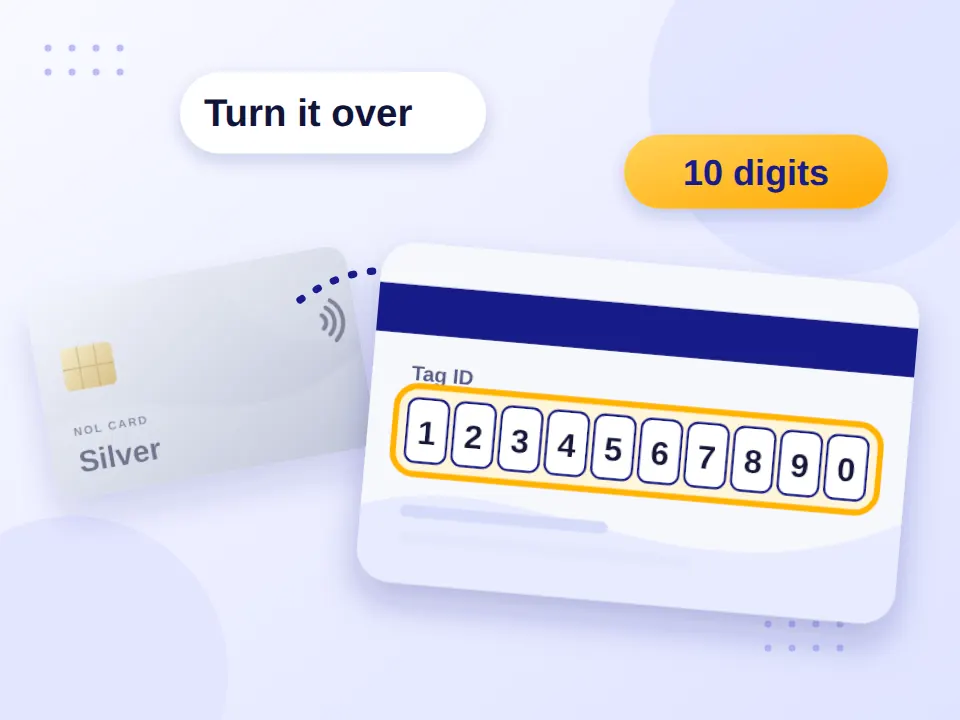
For a cash refund you don’t need bank details; the approved refund is collected in person at the designated station.
Is there a refund form?
No. There’s no separate downloadable form. You submit the request directly through the RTA website, nol Pay or a Smart Kiosk.
Lost, Damaged or Expired Cards
| Card Status | What You Need to Do | Important to Know |
|---|---|---|
| Lost or stolen | Submit a refund request through an authorised RTA channel | For a registered card, this also starts the card-blocking process |
| Damaged | Complete the card replacement or renewal first, then request a refund | The refund can only be submitted after the replacement step |
| Expired | Submit your refund request within the allowed period | Requests are accepted within one year of the card’s expiry date |
For reporting and blocking steps, see what to do if you lose your NOL card. If your card is close to expiry and you still use it, renewing your NOL card keeps the balance on it.
How Much Can You Get Back?
Eligible refunds cover the remaining balance on your card, subject to the refund method and fees. Balances under AED 100 may be refunded in cash; larger eligible refunds are transferred electronically to another NOL card.
NOL Card Refund Fees
| Refund Type | Fee |
|---|---|
| Cash refund (balance under AED 100) | 2.5% of the amount, or AED 5, whichever is higher |
| Transfer to another eligible card | Free |
| Overcharge refund | Free |
| Lost/damaged card replacement | Applicable replacement fee, charged separately |
How Long Does a Refund Take?
Refund requests are typically approved within 4 working days. After that:
- Cash refunds must be collected within 30 days of approval, or the request lapses.
- Balance transfers must be activated within 180 days, and usually work after tapping the new card 45 minutes to 4 hours after approval.
How to Check Your Refund Status
- Wait for the SMS: RTA texts you once your refund is processed.
- Check the result: the message tells you whether it was approved or rejected and what to do next.
- No update after 4 working days? Call 800 9090 to follow up.
NOL Card Overcharge Refund
If you were charged twice or paid the wrong fare, that’s an overcharge claim, not a standard balance refund.
- Apply within 5 days of the trip.
- Covers Metro, bus and tram journeys.
- The maximum refund depends on your card type.
- There’s no fee for an overcharge claim.
- Verification can take up to 7 working days.
To spot an overcharge, compare what you paid with the expected fare in our NOL card fare calculator. If you’d rather keep using the card, you can simply recharge your NOL card instead.
Final Thoughts
If your card is Personal or registered, a refund is a quick online request through nol Pay or the RTA website: under AED 100 you collect cash at a station, and larger balances move to another card for free. Anonymous cards may need a Smart Kiosk, expired cards have a one-year window, and overcharges must be claimed within 5 days.
Frequently Asked Questions
Can I get my NOL card balance back?
Eligible personal and registered NOL cards can be refunded, while unregistered cards may require a Smart Kiosk or additional requirements.
Does a NOL card expire?
Yes. NOL cards generally expire five years after issue, and you can request an eligible refund within one year of the expiry date.
Can I get a refund for a lost NOL card?
Submit a refund request through an authorised RTA channel, which also automatically blocks the card.
Can I get a refund for a damaged NOL card?
Complete the required replacement or renewal process first, then submit a refund request for any remaining balance.
How do I check the status of my NOL card refund?
RTA sends an SMS with your refund decision and next steps. If there’s no update after four working days, call 800 9090.
How long does a NOL card refund take?
RTA generally processes refund requests within four working days. Cash refunds must be collected within 30 days after approval.
Can I transfer my NOL card balance to another NOL card?
Eligible balances can be transferred electronically to another personal or registered NOL card that meets RTA’s requirements.
Can I transfer my NOL card balance to a bank account?
No. NOL refunds aren’t deposited into personal bank accounts; eligible refunds are collected as cash or transferred to another eligible NOL card.