NOL on iPhone
NOL Card Apple Wallet: Can You Use NOL on iPhone?
Why NOL isn’t in Apple Wallet yet, how Apple Pay fits in, and how iPhone users can still scan, check and recharge a physical NOL card with nol Pay.
Standing at a Dubai Metro gate with your iPhone ready to tap sounds convenient. But there’s one problem: NOL isn’t currently supported in Apple Wallet. If you’ve searched for a hidden setup method, there isn’t one. The good news is that iPhone users can still manage their physical NOL card through the official nol Pay app.
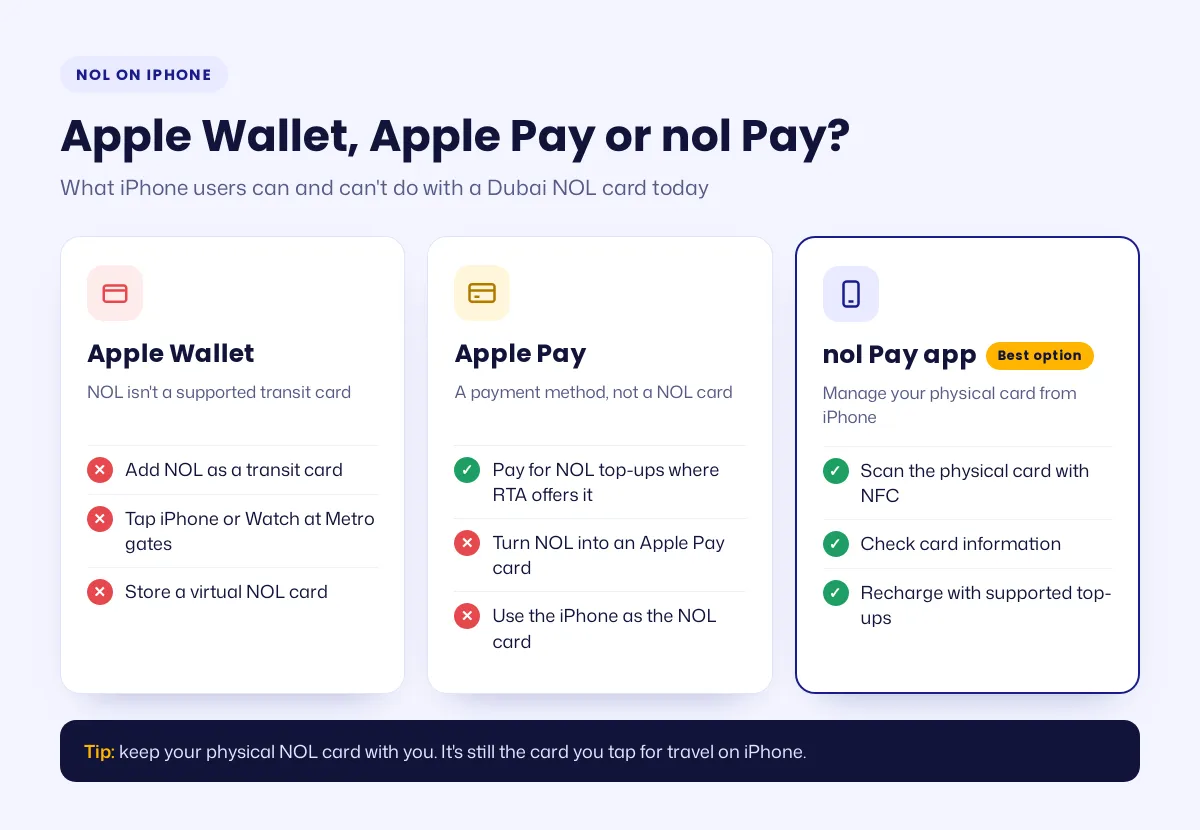
No, you can’t currently add a NOL card to Apple Wallet. NOL isn’t a supported Apple Wallet transit card, so you can’t tap your iPhone or Apple Watch at Metro gates as a NOL card. You can use Apple Pay to pay for top-ups where RTA offers it, and nol Pay to scan and manage your physical card.
In this guide
- Does NOL Work With Apple Wallet?
- Why Can't NOL Be Added to Apple Wallet?
- How to Use a NOL Card With iPhone
- NOL Card Recharge With Apple Pay
- Can You Add a Digital NOL Card to Apple Wallet?
- NOL Card on iPhone vs Android
- What Can You Pay For With a NOL Card?
- Common NOL and iPhone Problems
- Will NOL Come to Apple Wallet?
- Best Option for iPhone Users
- Frequently Asked Questions
Does NOL Work With Apple Wallet?
No. You can’t transfer a physical NOL card to Apple Wallet or add it through Add Card > Transit Card. Apple Wallet transit features are available only for participating transport systems and supported locations.
What About Apple Pay?
Apple Pay is different from Apple Wallet. Where RTA supports Apple Pay as a payment method, you may be able to use it for a NOL card recharge. That doesn’t add your NOL card to Apple Wallet or let you use your iPhone as the NOL card itself.
Why Can’t NOL Be Added to Apple Wallet?
Apple Wallet transit cards need support from both the transport authority and Apple. Having NFC on your iPhone isn’t enough; the transit operator must also support Apple’s transit-card system. So there’s currently no official setup process to follow.
NFC doesn’t automatically add NOL
NFC lets devices communicate with compatible cards and readers, but NFC alone doesn’t make a card compatible with Apple Wallet. Your iPhone can read NFC-supported cards in certain situations, but that doesn’t mean it can turn every transit card into a Wallet card.
How to Use a NOL Card With iPhone
You can still use your iPhone to manage a physical NOL card through the official nol Pay app.
- Install nol Pay: download the official app from the Apple App Store and keep it updated.
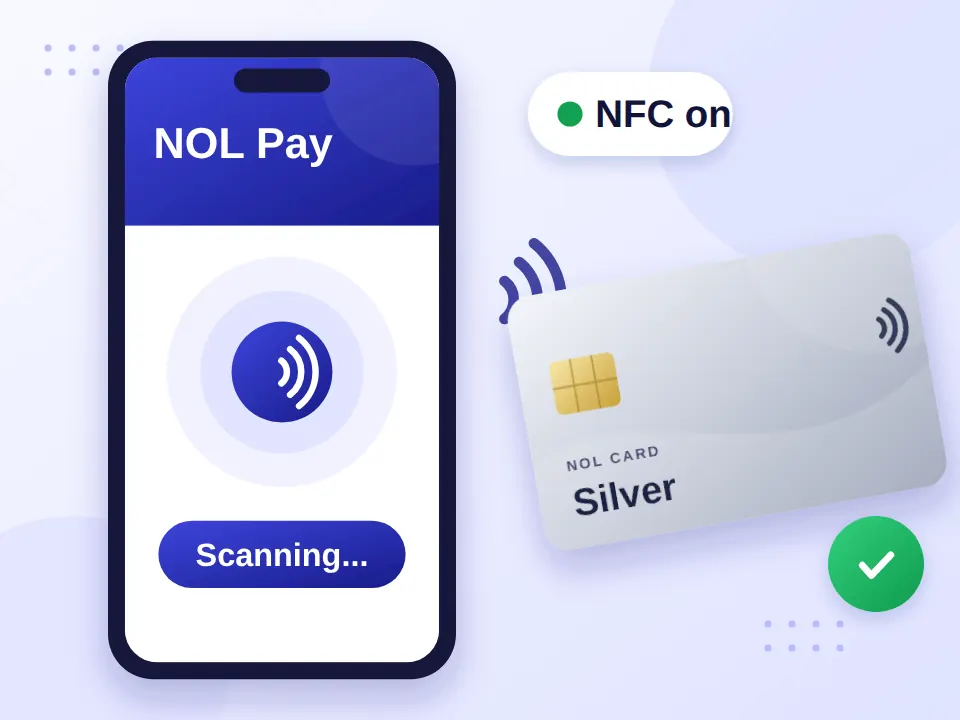
- Scan your physical card: open nol Pay and place the card against your iPhone’s NFC area, keeping it steady while the app reads it.
- Check your card information: once detected, you can see the information and services the app supports. Handy before you leave home.
- Recharge your card: use the supported top-up options in nol Pay and other RTA channels. Your physical card remains the card you travel with.
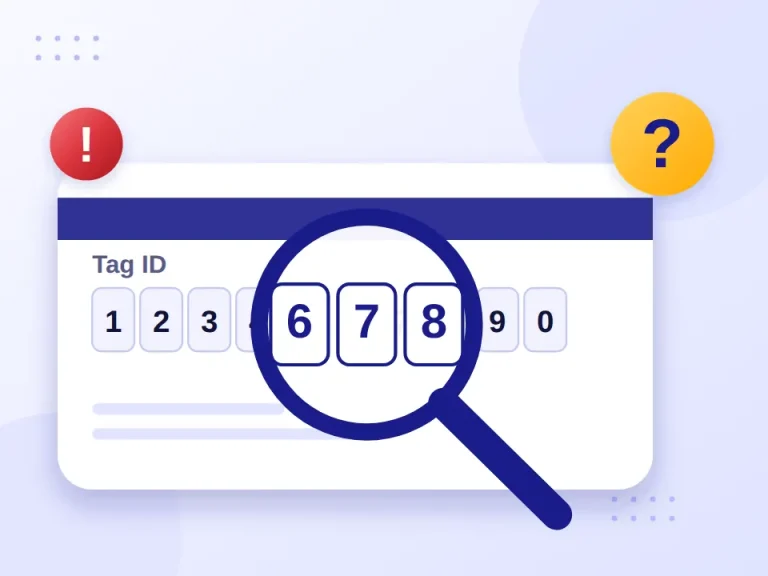
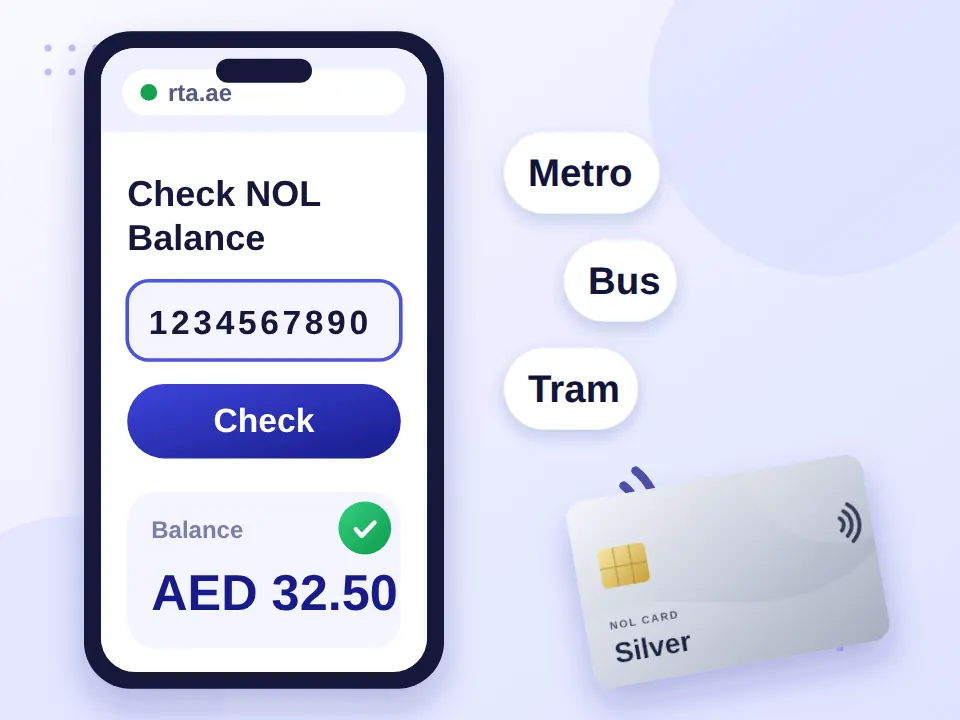
You can also check your NOL card balance online from Safari using the card’s Tag ID, with no app needed.
NOL Card Recharge With Apple Pay
This is one of the most confusing parts of the topic. Recharging with Apple Pay doesn’t mean NOL works inside Apple Wallet. Apple Pay is simply a payment method when RTA offers it for supported top-up services.
| Feature | Apple Pay | Apple Wallet |
|---|---|---|
| Pay for supported NOL recharge | Yes, where offered | Not the same thing |
| Store NOL as a transit card | No | No |
| Tap iPhone as NOL at Metro gates | No | No |
| Manage physical NOL through nol Pay | Not applicable | Not applicable |
So if you’re searching “NOL card to Apple Pay”, the answer depends on what you mean: you can use Apple Pay for supported payments, but you can’t convert NOL into an Apple Pay transit card.
Can You Add a Digital NOL Card to Apple Wallet?
No, not currently. RTA supports virtual NOL cards on certain compatible devices and platforms, and its current information points to compatible Samsung and Huawei devices. That doesn’t mean a virtual card can be added to Apple Wallet. If you use a Galaxy phone, see our NOL card Samsung Wallet guide.
How to Add a Metro Card to Apple Wallet (Supported Cities)
Apple does support transit cards in Wallet in selected cities and regions. On a supported system, the usual process is:
- Open the Wallet app.
- Tap the Add button.
- Choose Transit Card.
- Select an available transit card.
- Follow the on-screen instructions.
NOL isn’t currently on Dubai’s supported list, so these steps won’t add a NOL card.
Transferring or Restoring Wallet Cards
You can transfer eligible transit cards between supported Apple devices, and Apple may remove cards after certain account, device or security changes, with options to restore eligible ones. None of this applies to NOL, because it isn’t a supported Apple Wallet transit card.
NOL Card on iPhone vs Android
| Feature | iPhone | Compatible Android Devices |
|---|---|---|
| Add NOL to Apple Wallet | No | Not applicable |
| Use nol Pay | Yes | Yes |
| Read supported physical NOL cards | Yes | Yes |
| Virtual NOL card | Not currently through Apple Wallet | Supported devices |
| Apple Pay NOL recharge | Supported where offered | Not applicable |
The key point: virtual NOL card support and Apple Wallet support are separate things.
What Can You Pay For With a NOL Card?
NOL is mainly used across Dubai’s public transport network. Depending on the service and card type, it can be used for:
Dubai Metro
Tap in and out at every station. See the Dubai Metro map.
Buses and Tram
Public buses and the Dubai Tram accept NOL.
Marine transport
RTA water transport services.
Taxis and parking
Taxis, public parking and other participating RTA services.
Always check current RTA rules for specific services, and the NOL card types guide if you still need to choose a card.
Common NOL and iPhone Problems
| Problem | What to Do |
|---|---|
| NOL card won’t scan | Make sure NFC is available and hold the card steadily against the correct area. A thick or metal case can interfere. |
| Balance isn’t updating | Give a recent recharge time to process. Reopen the app and check your connection before trying another top-up. |
| Phone battery is low | Don’t rely on your iPhone as your only travel option. Keep your physical NOL card with you. |
| NOL doesn’t appear in Apple Wallet | That’s expected. NOL isn’t currently supported under Transit Card. |
Will NOL Come to Apple Wallet?
There’s currently no confirmed Apple Wallet integration that lets you use NOL directly from an iPhone or Apple Watch. If RTA and Apple add support later, RTA’s official service information and Apple’s supported transit-card list will reflect it. Reddit threads from Dubai residents show what users experience, but they aren’t an official source for compatibility.
Avoid “Wallet tricks”
Ignore websites claiming a secret download, APK or Wallet trick can activate NOL on iPhone. There’s no official method.
Best Option for iPhone Users
For now, keep your physical NOL card and use nol Pay to manage it from your iPhone: scan it with NFC, check its details and recharge it, paying with Apple Pay where it’s offered. If you specifically want a virtual NOL card, check RTA’s current list of supported devices. That’s the practical option today, without risky workarounds.
Frequently Asked Questions
Can I use a NOL card in Apple Wallet?
No. Dubai’s NOL card isn’t currently supported as an Apple Wallet transit card for iPhone or Apple Watch.
How do I add a NOL card to Apple Wallet?
You currently can’t, because Dubai’s NOL system doesn’t support Apple’s transit-card integration.
Can I use a NOL card on Apple Pay?
You can use Apple Pay for supported NOL recharge payments, but NOL itself can’t be added as an Apple Pay transit card.
How do I link a NOL card to Apple Wallet?
There isn’t currently a linking method, because NOL doesn’t support Apple Wallet transit-card integration.
Can I use a NOL card in Apple Wallet on iPhone?
No. iPhone users can manage physical NOL cards through supported RTA services such as nol Pay, but can’t use NOL through Apple Wallet.
How do I use NFC for a NOL card on iPhone?
Open nol Pay and place your physical NOL card against your iPhone’s NFC area when using a supported NFC feature.
Can I add a digital NOL card to Apple Wallet?
Not currently. Virtual NOL card support depends on compatible devices and doesn’t include Apple Wallet.
What can you pay for with a NOL card?
NOL works on Dubai public transport and selected RTA services, including the Metro, buses, trams, marine transport and parking.